Google review link and bonus
Add your Google review page to the app and, if you wish, turn on a points bonus that reception validates. SkinClub never checks by itself that a review was posted.
Last updated
The app can send patients to your Google review page. By default this is a plain link, with no points. Your clinic can also turn on a points bonus, credited by reception.
Add your review page
- Open Patient app > Appearance > Brand & settings.
- In Business details, fill in Google review with the full address of your Google review page (starting with https://), or with your business's Google identifier (Place ID).
- Click Save changes.
An address starting with http:// or https:// must be a Google link (google.… or g.page): any other address is refused. Text without http is read as a Place ID, and SkinClub turns it into the Google review link. So always paste the full address, including https://.
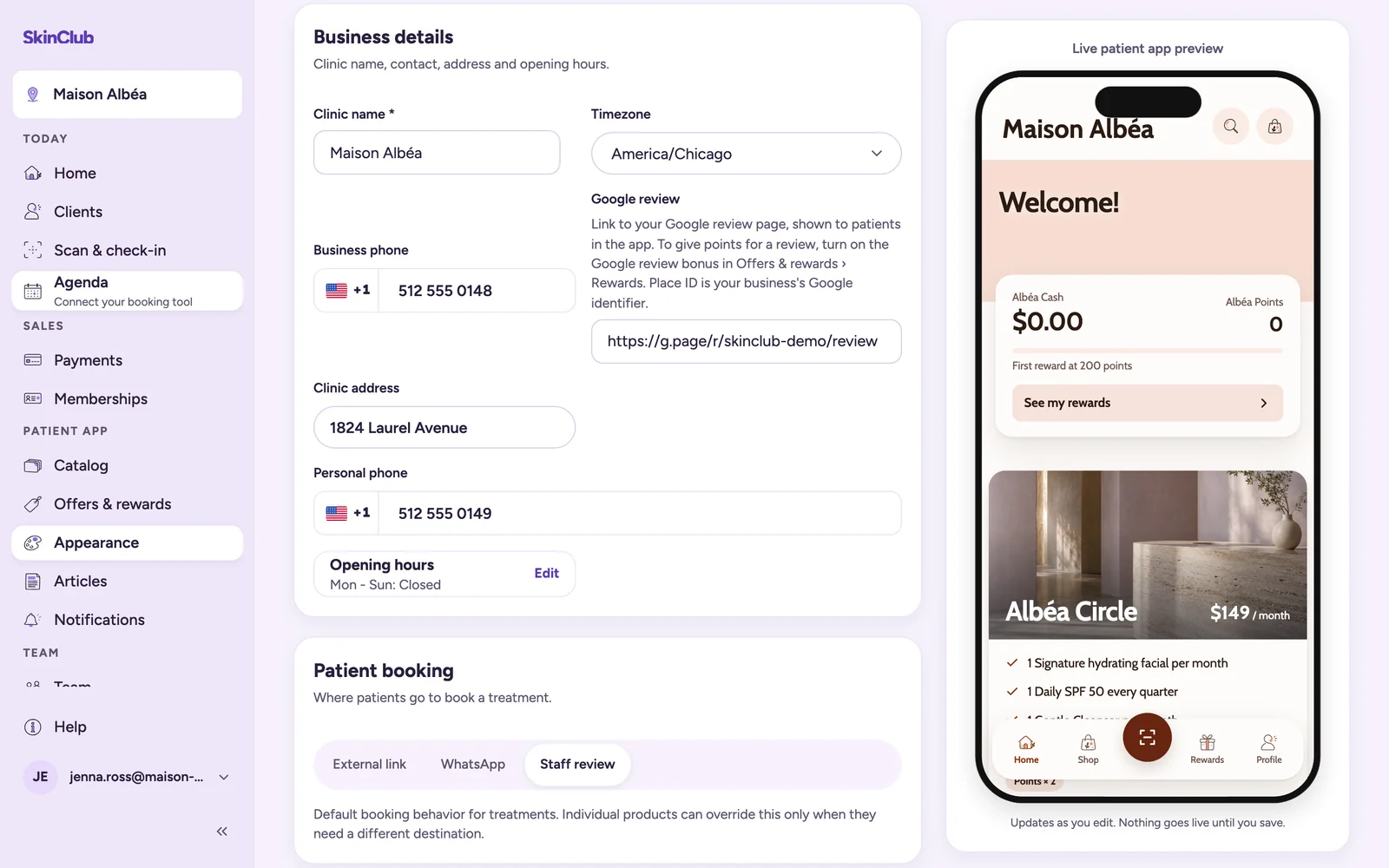
What patients see without the bonus
In the Rewards tab and in the Earn points sheet, a Your review helps us row offers Open Google. It earns no points. Without a link, the row is not shown.
Turn on the review bonus
The bonus is off by default. It is your clinic's choice.
- Choose your clinic in the top bar. The bonus is set clinic by clinic.
- Open Patient app > Offers & rewards > Rewards.
- On the Google review bonus points row, enter more than 0 points and turn the switch on.
- Click Save.
The patient then sees a Leave a Google review row with the points, and the message "Show your review at reception. Thank you for your review, whatever it says." Open Google appears only if your link is set.
Validate a review at reception
- The patient shows you their posted review.
- Open Today > Clients, then the patient's profile.
- Click Validate a Google review, then Credit the bonus.
The bonus is the same whatever the rating. It can be earned only once per patient and per clinic. After that, the app row shows Points received. Nobody can validate their own review, and the Support role cannot validate reviews.
What SkinClub records
When a patient taps Open Google, SkinClub records that the review page was opened. Several taps record several opens. An open never earns points.
Limits
- SkinClub does not check that a review was written or posted. Only the validation by reception credits the bonus.
- Google alone verifies and publishes reviews.