Included treatments and member prices
Add treatments or products to a plan's allowance, and set the member price on each treatment.
Last updated
Two different things make a membership valuable: items included in the plan, and member prices on the catalogue.
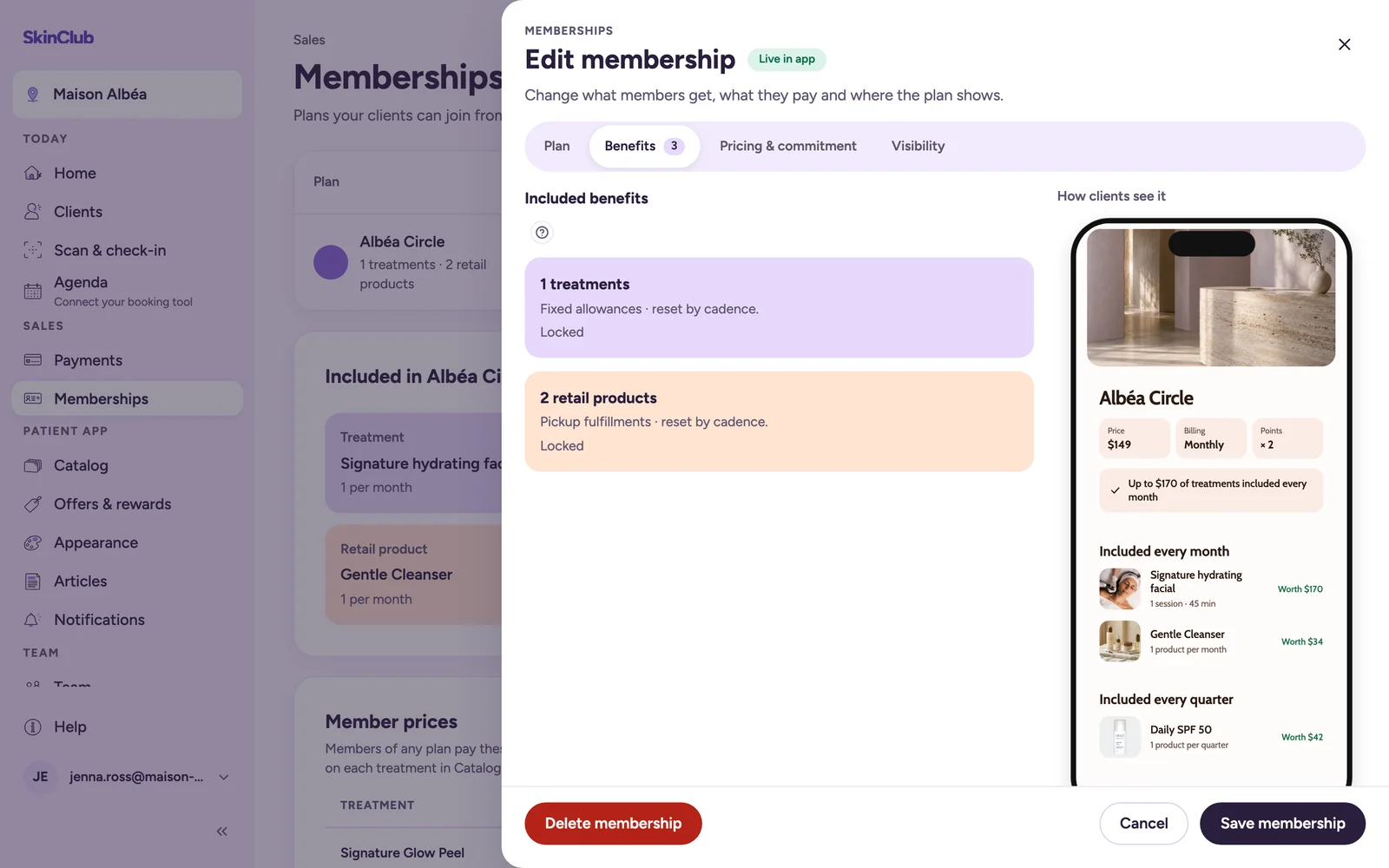
Included treatments and products
Included items are covered by the membership fee. Members use a fixed allowance that renews on a schedule.
- Create the plan first (see "Create and publish a membership plan").
- Open the plan with Edit membership, then the Benefits tab. The Edit benefits link on the "Included in …" card also opens this panel, on the Plan tab: then switch to Benefits.
- On the treatments line, click Add treatments (or Edit). On the retail products line, click Add products (or Edit).
- Click + Add treatment or + Add retail product, choose the item, then set its Quantity and Renews: Monthly, Quarterly, Annually or One time — after signup payment.
- Click Save and add to membership (or Save retail products).
Benefits unlock after the first successful membership payment. Allowances reset on the selected cadence, and unused units do not roll over.
A plan can include at most 50 items per list, each item only once. For a treatment sold in variations, the inclusion covers the treatment; the eligible variation is confirmed at booking.
Once a checkout is pending or a first payment is made, the benefits show Locked. Create a new plan to change them.
Member prices
Member prices are not set on the plan. Set them on each treatment in the catalogue:
- Open Patient app > Catalog and open the treatment.
- On the Pricing tab, choose In Variations.
- On each variation line, fill in Member price (optional). It cannot be higher than the line's price.
- Save.
Sales > Memberships then lists them in the read-only Member prices card, with the Public price struck through. Use Edit member prices in Catalog to go back.
Limits
- A member price applies to members of any plan, not to one plan.
- The card shows published treatments not hidden from the shop whose member price is lower than the public price. It reads the first 100 treatments in alphabetical order.
- A plan has no discount-rule field.